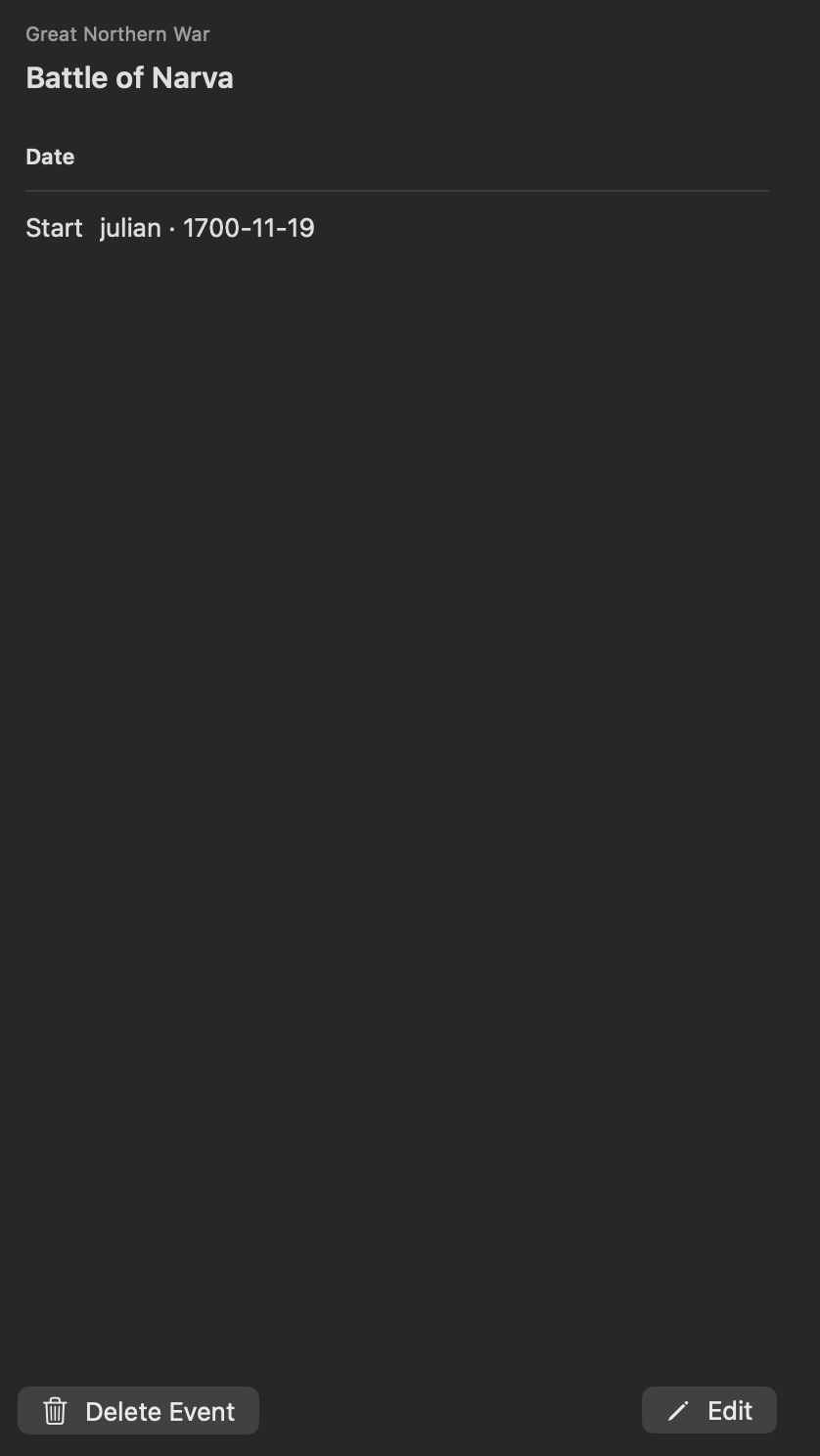
View an event
Select an event in the calendar or in the Day tab of the inspector. Chronologia opens the Event tab, which can show the event’s date range, description, categories, links, and sources.
Create an event
Double-click a day in the month or year view. Chronologia opens a new event form with that date selected.
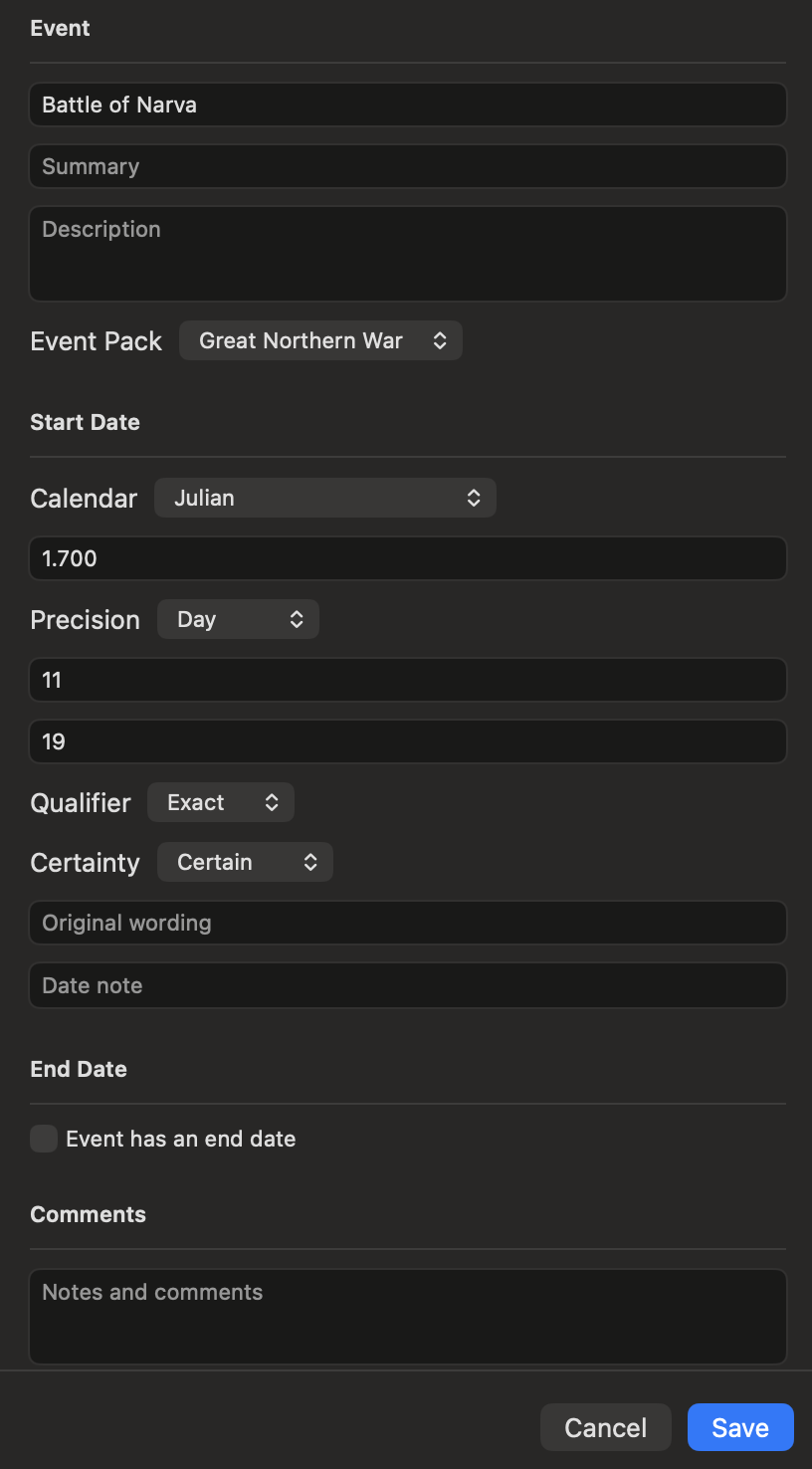
Choose a personal event pack and enter the event details. The form supports:
- Title and summary
- Start and end dates
- Calendar, precision, qualifier, and certainty
- Description and categories
- Links and sources
- Relationships to other events
Select Save when the event is ready. Bundled event packs are read-only, so new events must belong to a personal pack.
Edit or delete an event
Open an event from a personal pack in the Event tab.
- Select Edit to change it, then select Save.
- Select Delete Event and confirm to permanently remove it from the pack.
Events from bundled packs can be viewed but not edited.