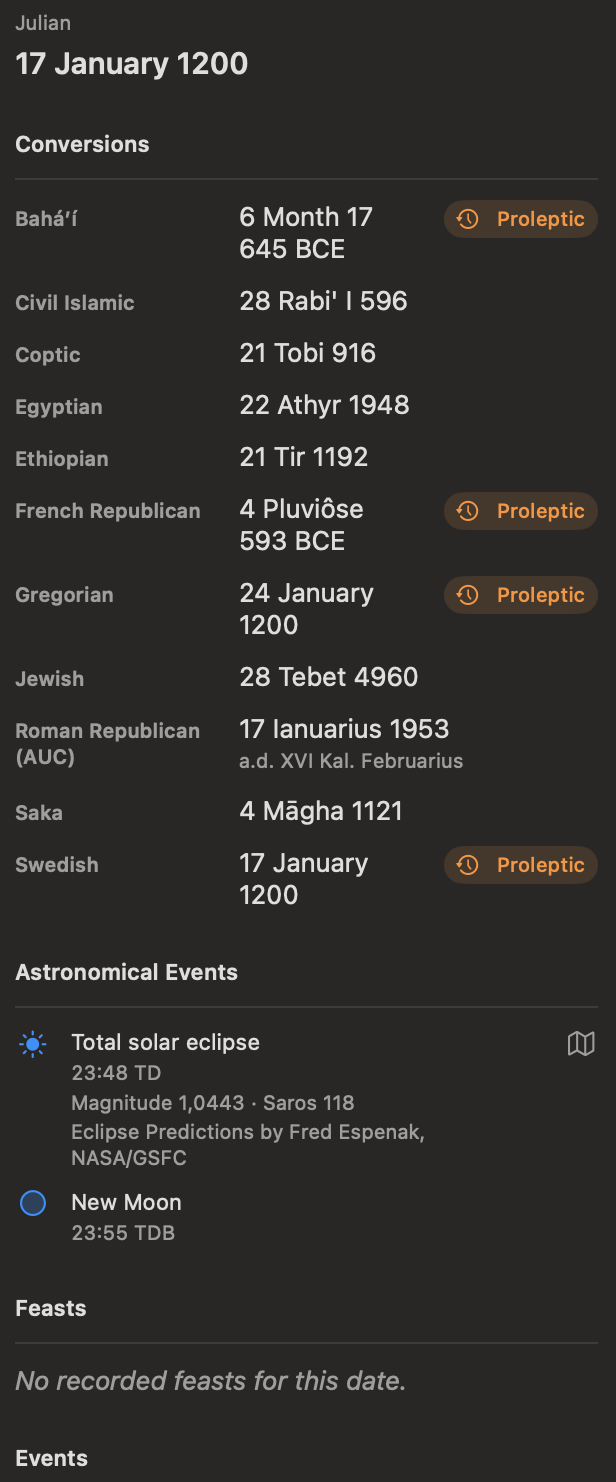
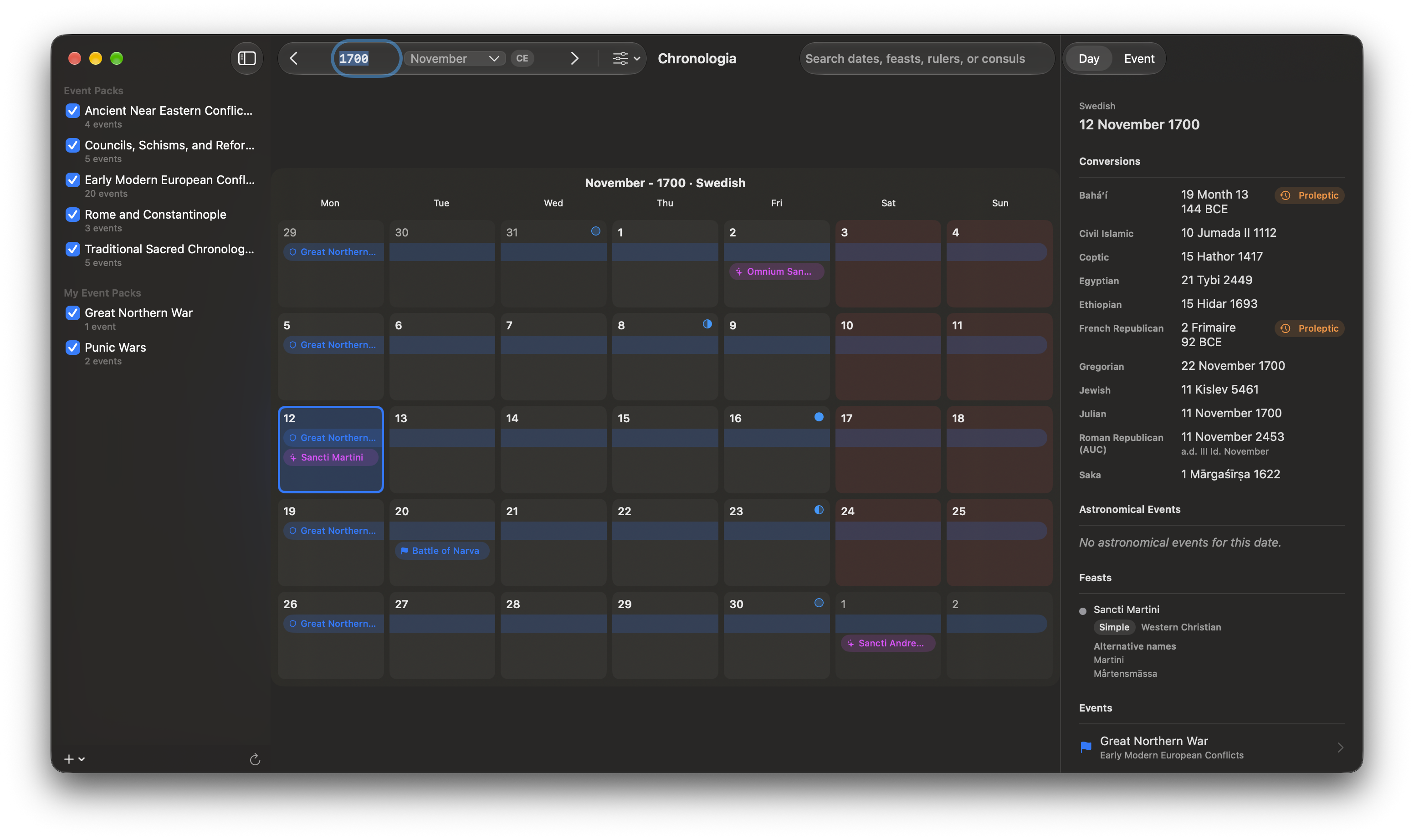
The Chronologia window has three main columns and a toolbar.
- Calendars sidebar — Turn bundled and personal event packs on or off. Use the controls at the bottom to add or reload event packs.
- Calendar view — Browse dates in a month, year, or multi-year view. The content changes when you switch between Grid and Fasti display styles.
- Inspector — Review information about the selected day or event. The Day tab shows calendar conversions, astronomical events, feast days, and enabled historical events. The Event tab shows event details and editing controls.
- Toolbar — Move backward or forward, jump to a date, choose display options, or search for a historical date or event.
Select a day
Click a day in the calendar. Chronologia highlights the date and updates the Day tab in the inspector.
The inspector can include:
- The selected date in the active calendar
- Equivalent dates in other calendar systems
- Astronomical events
- Feast days
- Events from enabled event packs
Select an event in the inspector or calendar to open it in the Event tab.