Move backward or forward
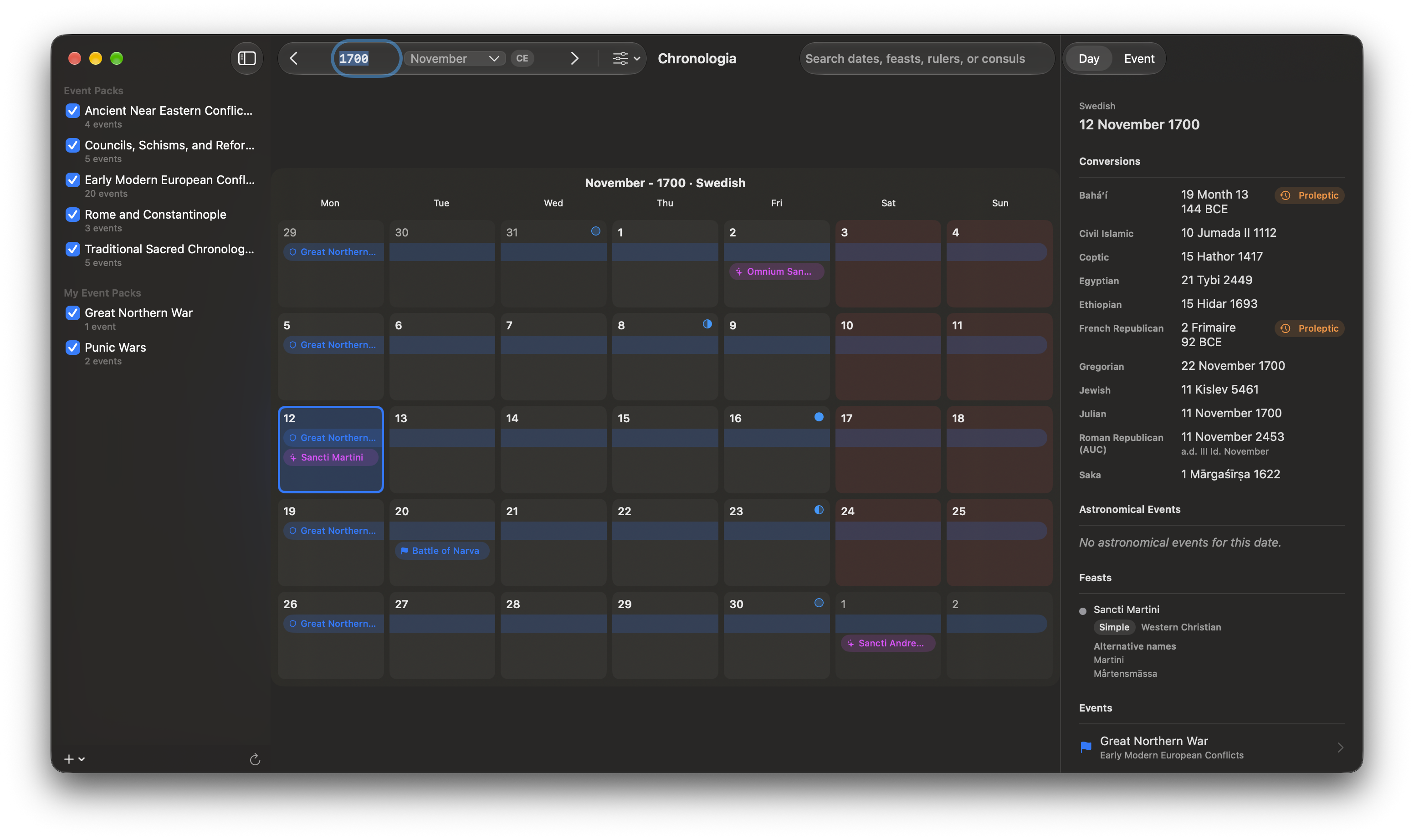
Use the left and right arrow buttons in the toolbar. Each click moves by the unit shown in the current view: one month, one year, or one step in the multi-year view.
Jump to a date
Enter a date in the field between the arrow buttons, then press Return. Chronologia accepts year and month forms as well as era notation, including examples such as:
12701270-02Feb 127044 BCEAD 44- Astronomical year
0or a negative year
The era badge beside the field shows the notation currently in use.
Change the display
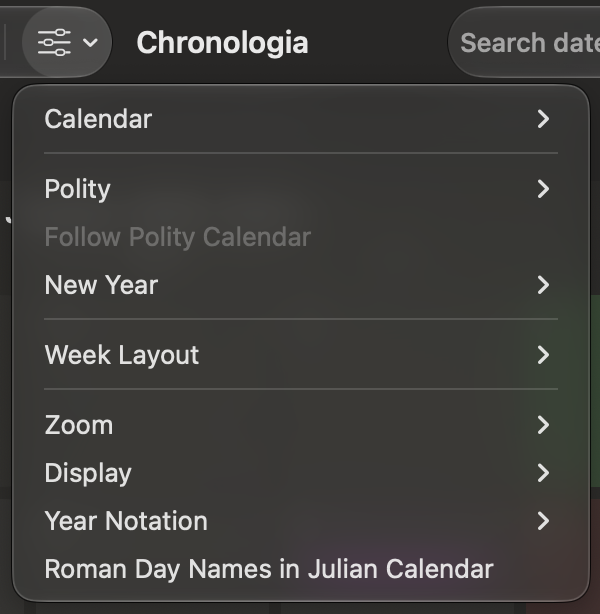
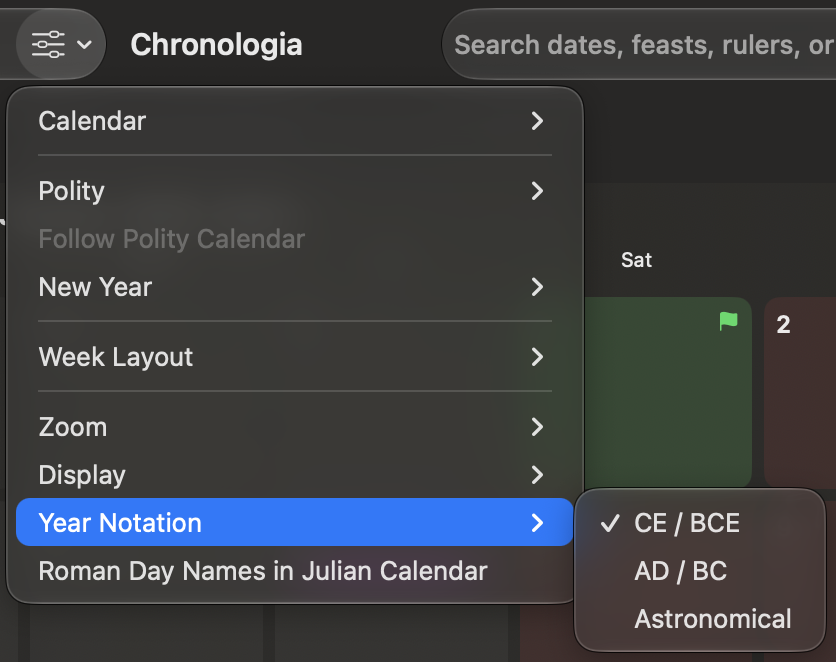
Open View Options in the toolbar to change:
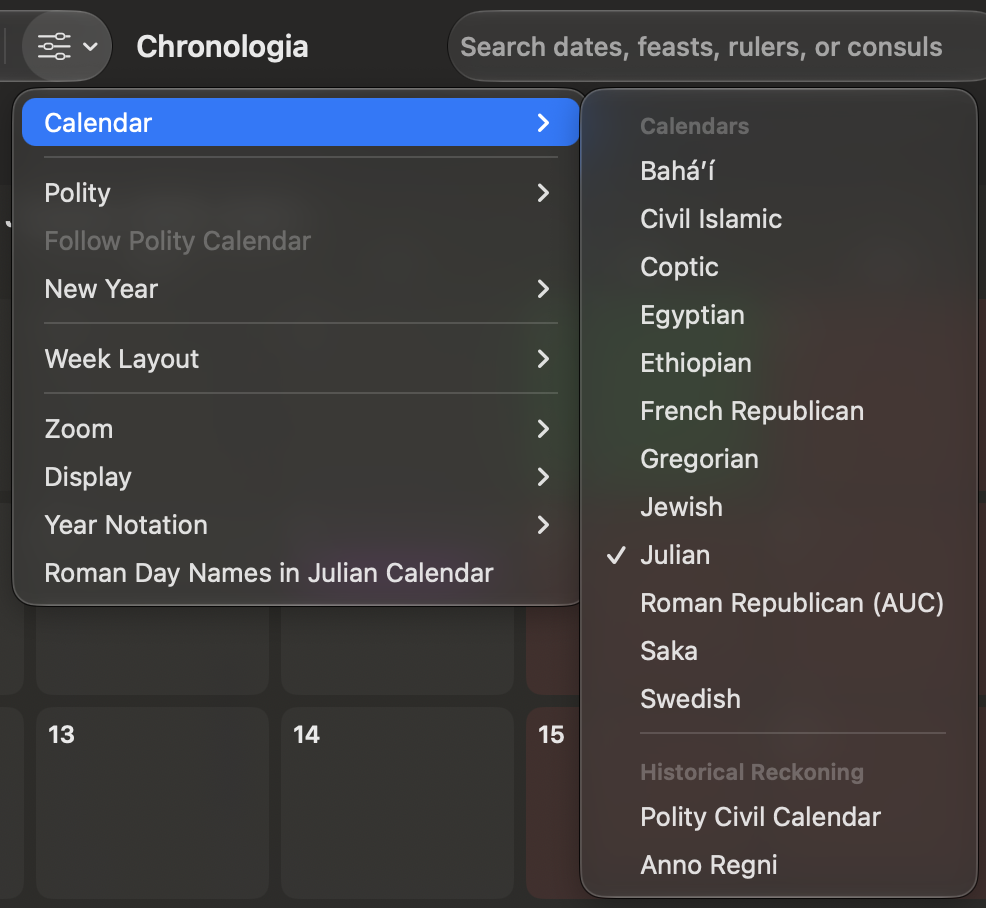
- Calendar — Choose the calendar system used by the main view.
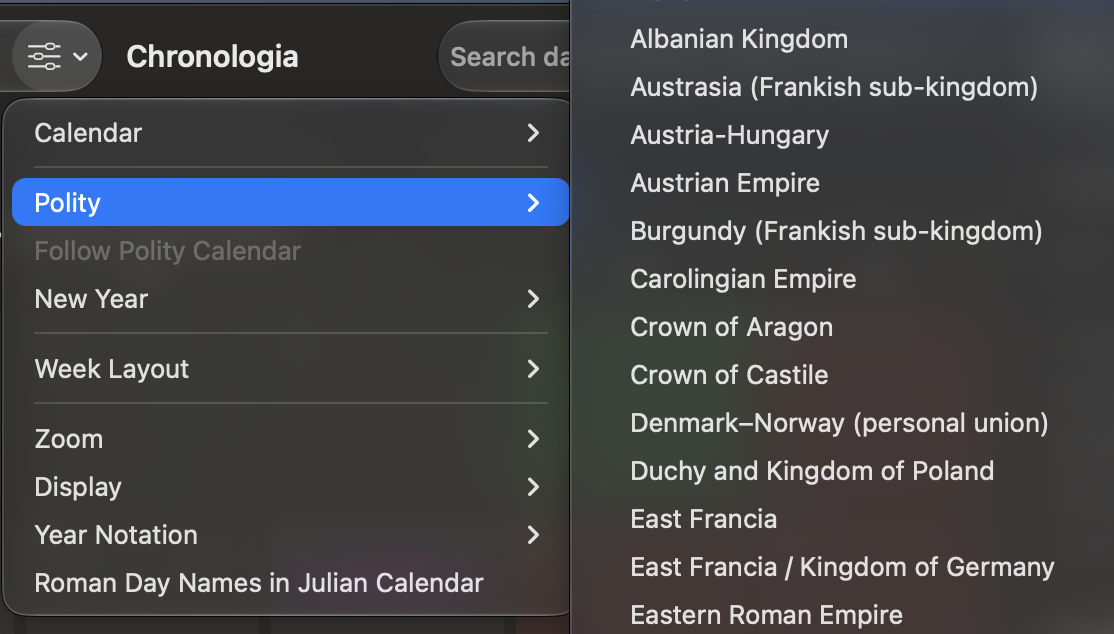
- Polity — Choose a historical polity when using polity civil or regnal year reckoning.
- Follow Polity Calendar — Use the civil calendar historically associated with the selected polity.
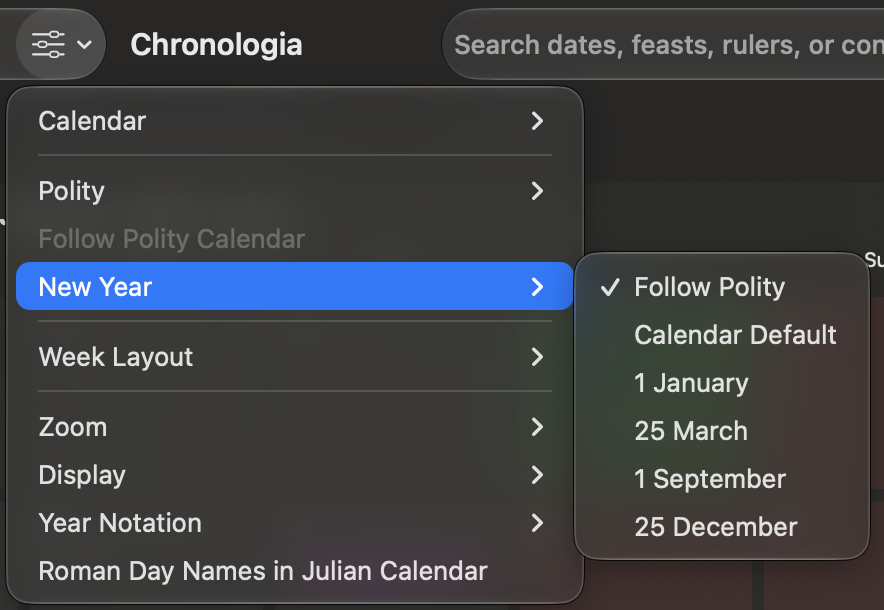
- New Year — Follow the polity, use the calendar default, or begin the displayed historical year on 1 January, 25 March, 1 September, or 25 December.
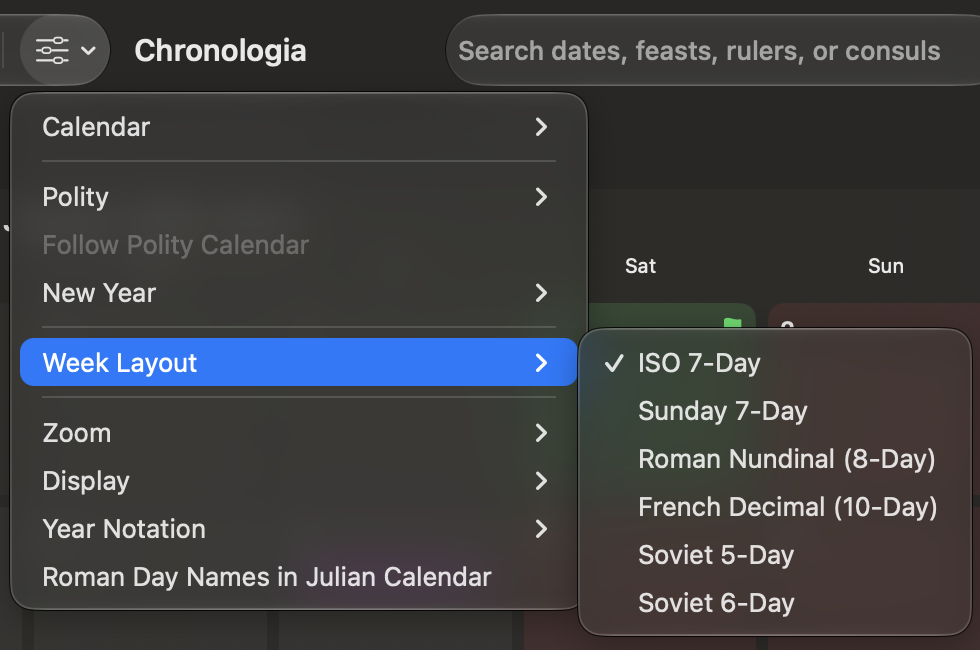
- Week Layout — Choose a supported week cycle. Available choices depend on the calendar.
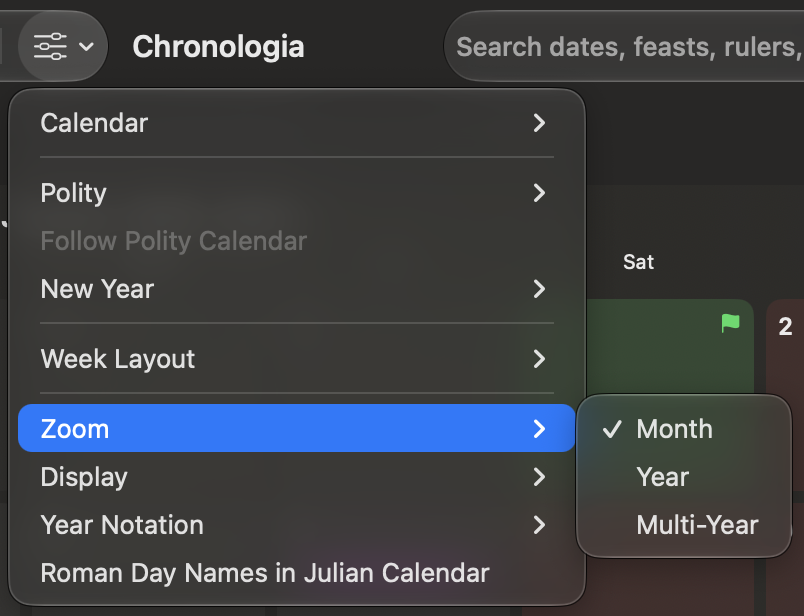
- Zoom — Switch among Month, Year, and Multi-Year views.
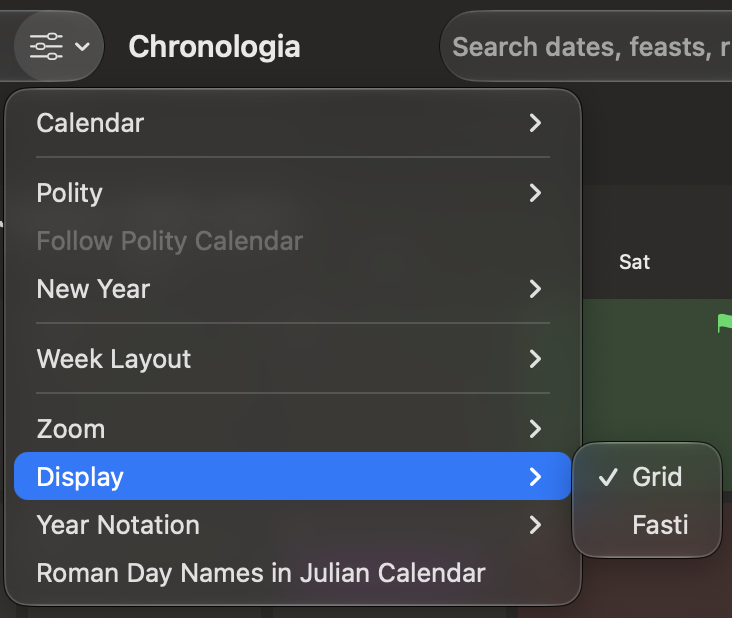
- Display — Switch between Grid and Fasti styles.
- Year Notation — Use CE/BCE, AD/BC, or astronomical numbering where supported.
- Roman Day Names in Julian Calendar — Show or hide Roman day names in the Julian calendar.
The choices open in submenus:
Search
Use the search field at the right side of the toolbar to find historical dates and records. See Search for supported searches and examples.