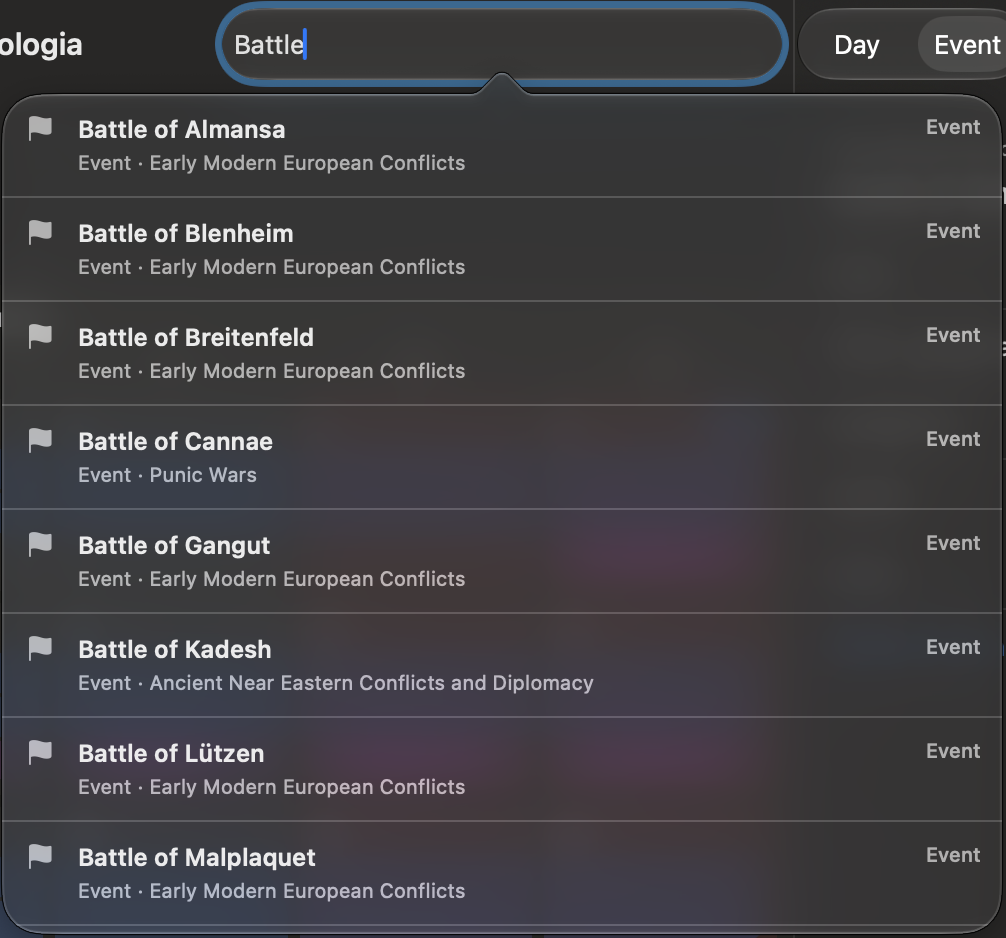
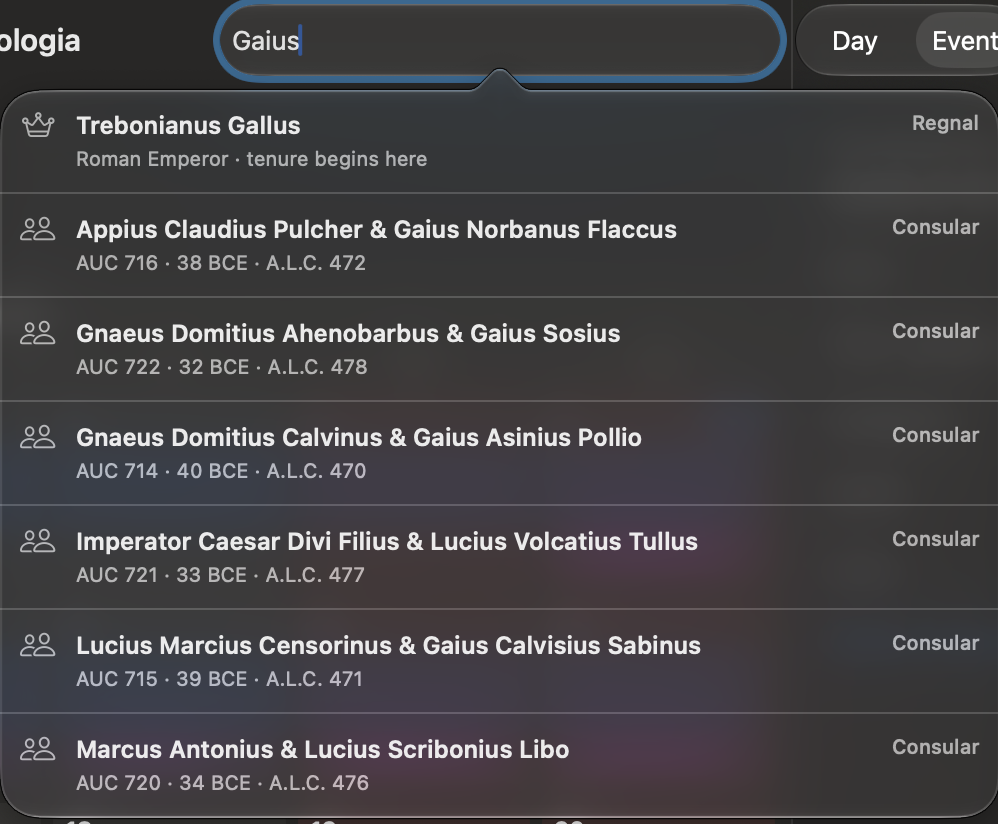
The search field at the right side of the toolbar searches several kinds of historical information at once. Start typing at least two characters, then choose a result to open its date in the month view.
Each result is marked Date, Feast, Regnal, Consular, or Event so that you can see how Chronologia interpreted the query. Up to twelve results are shown.
Dates
Chronologia interprets a date in the calendar currently selected under View Options. Examples include:
12701270-02Feb 127044 BCEAD 44- Astronomical year
0or a negative year
A date result states which calendar was used for the interpretation.
Feast days and relative feast names
Feast search understands medieval expressions in Latin and Old Swedish. It resolves both fixed and movable feasts in the relevant year and reports the resulting Julian date.
| Language | Example query | Meaning |
|---|---|---|
| Latin | s. Olavi 1400 | The feast of Saint Olaf in 1400 |
| Latin | pridie s. Laurentii 1400 | The day before Saint Lawrence in 1400 |
| Latin | in octava s. Olavi 1400 | The octave of Saint Olaf in 1400 |
| Latin | tertia post festum s. Olavi 1400 | The third day after Saint Olaf in 1400 |
| Latin | feria secunda post festum s. Michaelis 1400 | The Monday on or after Michaelmas in 1400 |
| Latin | in feria secunda Paschae 1300 | Easter Monday in 1300 |
| Latin | in festo Corporis Christi 1400 | Corpus Christi in 1400 |
| Old Swedish | på Valborg 1300 | Saint Walpurga’s feast in 1300 |
| Old Swedish | dagen före Mickelsmässa 1400 | The day before Michaelmas in 1400 |
| Old Swedish | i tredje dagen efter Olsmässa 1300 | The third day after Saint Olaf in 1300 |
Spelling variants recorded for a feast can also match. The parser normalizes several historical characters and common saint abbreviations. If you omit the year, Chronologia uses the year around the date currently in view.
Feast-expression parsing is currently limited to Latin and Old Swedish. An English feast name may still match if it is stored as a name variant, but English relative phrases such as “the day after” are not currently supported.
Rulers and regnal records
Enter a ruler’s name or a recorded name variant, for example Henry VIII or Hen. 8. A Regnal result opens the beginning of that person’s tenure and identifies the office.
Name matching is case-insensitive and accepts partial names. A ruler with more than one recorded tenure can produce more than one result.
Roman consuls
Enter part of an ordinary or suffect consul’s name. Chronologia searches recorded name variants as well as canonical names. Multiple words narrow the search: every entered term must match the indexed consular year.
A Consular result shows the eponymous consuls together with the year in AUC, BCE, and A.L.C. notation. Choosing it opens the beginning of that consular year.
Events in event packs
Search includes events only from enabled event packs. It matches text in:
- Event titles, summaries, and descriptions
- Event categories
- Source titles
- Event-pack titles
Title matches rank above matches found elsewhere in the event. Choosing an Event result opens its starting date and displays the event in the inspector.
What search does not include
Astronomical events are shown for a selected day but are not included in toolbar search. To inspect them, navigate to a date and use the Astronomical Events section in the Day inspector. See Astronomical events.
Examples of the different result types: